



Local SEO for a service area business means making your services, your eligible Google Business Profile and your website tell the same story about what you do and where you do it. In practice, that comes down to four jobs: set up the profile correctly, build service pages that match how customers search, earn genuine reviews, and measure calls and qualified enquiries rather than rankings alone.
This guide covers each job in the order you would tackle it. It also answers a question many guides skip: when is a separate city page worth publishing, and when does it work against you?
Local SEO for a service area business is the work of appearing in Google Maps and local search results for the services you provide in the places you actually travel to. Unlike a shop or clinic, you go to the customer. That changes how Google treats your address, how you describe your coverage and how you prove you are a real business.
Two result types matter. The Map Pack (a map with a short list of businesses, often three) draws mainly on Google Business Profiles. Standard organic results draw on your website. A good plan feeds both, because the same searcher often checks the map first and then opens a website to confirm you are worth a call.

Google recognizes three setups, and knowing which one you are shapes everything else:
If you work from a home office or a yard that customers never visit, you are in the second group. Ranking without a storefront is entirely possible. It simply depends more on accurate information, reviews and website clarity than on a pin on a street.
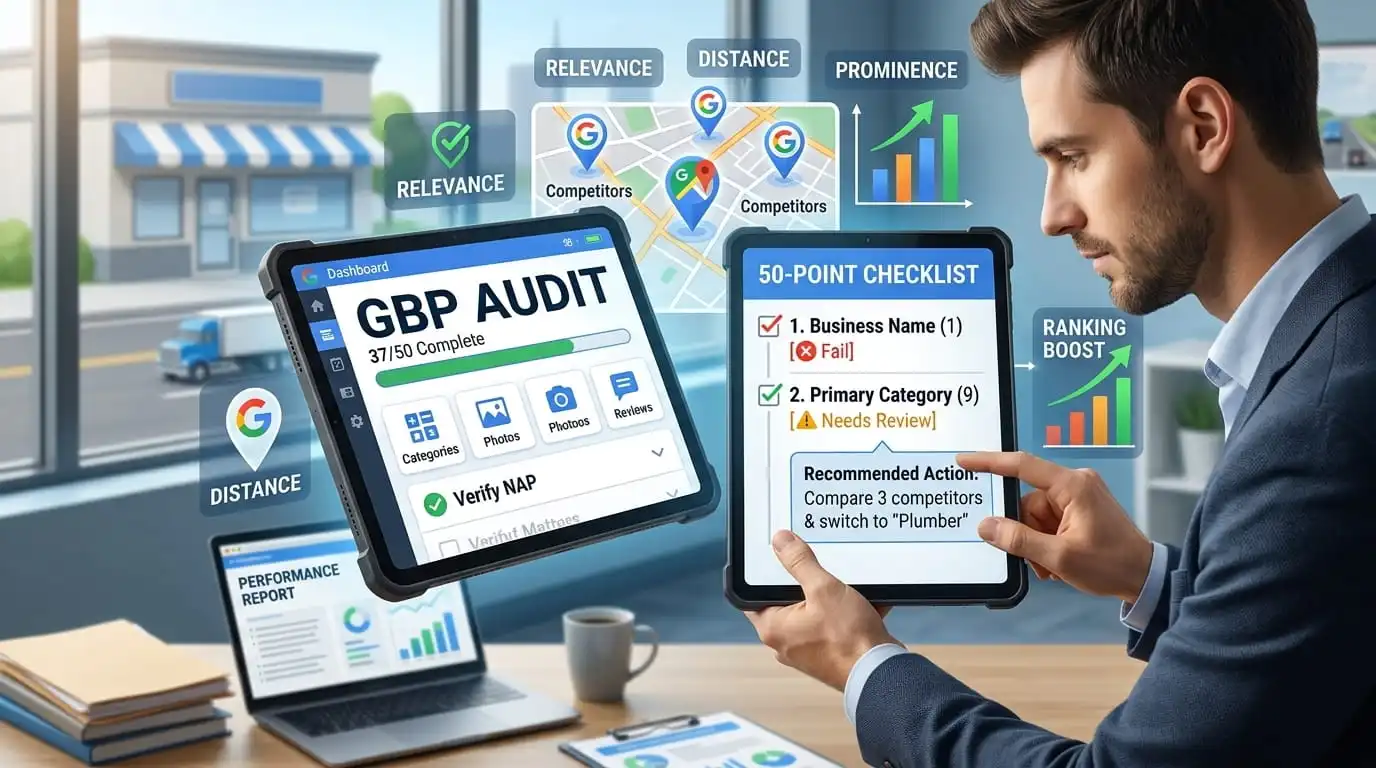
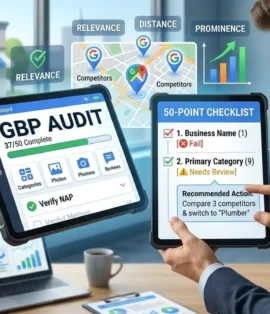
Google says local results rely mainly on three factors: relevance, distance and prominence, as explained in its official local ranking guidance. Relevance is how well your profile and website match the search. Distance is how far your business is from the searcher, or from the location named in the query. Prominence is how well known your business is, based on information Google finds across the web, including reviews, links, articles and directories.
Distance is the factor service area businesses tend to feel most. Google has not published exactly how it applies distance when an address is hidden, so assume that a competitor based closer to the searcher may have an advantage you cannot change.
That leads to a point that surprises many owners. Listing a city as a service area tells Google and customers where you work. It does not guarantee you will appear there. Visibility in a distant suburb depends on whether your relevance and prominence can compete with closer businesses.
So concentrate on what you control: an accurate profile, genuine reviews, clear service pages and a trustworthy website. Results also vary by neighbourhood, device and searcher, so no one can promise a particular position.
Good local keyword research starts with customer language, not tool output. List the problems people call you about, then the words they use when they are stressed or in a hurry. Someone with a stalled truck searches “mobile truck repair near me” or “roadside tire change on Highway 401,” not “commercial vehicle maintenance solutions.”
A workable method has four steps:
Keyword tools report volume as an estimate, and local searches are often undercounted because people rely on “near me” wording or their phone’s location. A low reported volume does not make an urgent query worthless. A single emergency call can be worth more than many informational visits.
One habit pays off quickly: read your own call notes, quote forms and text messages. The exact phrases customers use are often better data than any report.
For many service businesses, the Business Profile is the most important local asset. Optimizing it is mostly about accuracy, completeness and consistency, not tricks. Businesses that need help with Google Business Profile setup and local visibility can explore Yana Digital Solution’s Google Business Profile management and local SEO services.
Google’s guidelines say a business that serves customers at their locations, and does not serve customers at its own address, should hide that address. If customers also visit you, as at a workshop with a counter, you may qualify as a hybrid business and can show it.
You still need a real business base. A home or workshop address can be used for verification and then hidden. PO boxes and remote mailboxes are not acceptable. A rented mailing address that your business does not actually operate from is ineligible, and virtual or shared offices must meet Google’s specific eligibility requirements. Exposing a home address you meant to hide, or using an ineligible address, can lead to suspension or verification trouble, so settle this before anything else. Depending on your situation, Google may ask for video verification, such as showing your vehicle, equipment and signage.
You can define service areas by city, postal code or another supported area type. At the time of writing, Google allows up to 20, and its guidance has generally advised keeping them within roughly two hours’ driving time of your base. Choose places you genuinely serve and can reach reliably. List only areas you genuinely serve and can reach reliably. Avoid adding locations just to appear in more searches, and make sure your service area accurately reflects how your business operates.
The profile cannot carry the whole load for a wide territory. Your website should support your main areas with real content, as the city page section below explains.
Google advises choosing a primary category that best describes your core business, such as “Plumber” or “Truck repair shop,” and many local SEO practitioners treat it as one of the stronger relevance signals. Add additional categories only when they accurately describe services you provide, and keep them few. Then complete the services section with plain, specific descriptions of what you actually do.
Add accurate hours. If you offer emergency or 24/7 service, say so only if customers will really get it. Use a phone number that connects directly to your business. Where possible, use a local number instead of a central call centre number, as Google recommends. Add real photos of your vehicles, crew and completed work, and keep your description factual. Reply to reviews professionally, whether they are positive or negative.
Many guides list tactics without saying where to put them. This table shows which asset handles each job, so nothing gets duplicated or missed.

| Task | Business Profile | Service page | City page | Reviews |
|---|---|---|---|---|
| Name your core service | Primary category and services list | Page title and main heading | Mentioned in context | Customers describe the job in their own words |
| Show where you work | Service areas | Short coverage note | Detailed local content | Customers mention the area naturally (never scripted) |
| Explain how the job goes | Short description | Process, pricing factors and common questions | Local conditions and relevant examples | Customer stories |
| Prove you are real | Photos, hours and phone number | Licences, credentials and project photos | Local jobs you have completed | Genuine reviews and thoughtful replies |
| Drive the next step | Call button and website link | Clear call or quote option | Call or form with local details | Replies that invite contact |
Used this way, the profile introduces you, the service page converts, the city page answers local questions and reviews supply proof.
Create a separate city page only when you have something genuinely different to say about that place. If you can swap one city name for another and the page still reads the same, it does not deserve to exist.
Google’s spam policies describe creating substantially similar city or regional pages that funnel users to the same destination as doorway abuse. A template plus a list of municipalities is exactly the pattern that policy targets.
Imagine a business serving Montreal, Laval and Longueuil. Three separate pages make sense only if each can honestly cover different things: typical response times from your base, jobs you commonly handle there, local access issues such as traffic or building types, and notes or photos from real jobs in that city. If you cannot write that for Longueuil, mention it in a “Service areas” section on your main service page instead.
A simple rule helps:
Every city page should link naturally to the relevant service page and back, with one clear way to contact you. Our local landing page service covers the planning and development of location specific pages. Copy replacement
If you serve Quebec, plan for French from the start. Many customers search in French, and a properly written French page serves them better than a rough translation. Quebec’s language rules may also apply to your website and marketing, so confirm your obligations with a qualified adviser.
Prominence comes largely from signals outside your own website, and service businesses can strengthen it without a large budget.
Google says high quality, positive reviews can improve local visibility, and they also help customers choose you. Ask for honest feedback only. Google’s policies do not allow reviews in exchange for payment or incentives, and they discourage selectively asking only happy customers. Do not script what people say or tell them what to write.
A simple review request workflow keeps this consistent:
In Canada, CASL (Canada’s Anti-Spam Legislation) regulates commercial electronic messages, including emails and texts. Depending on its wording and context, a review request may count as one. Where it does, you generally need consent (express, or implied through an existing business relationship, which typically lasts for a limited time after a purchase), a clear sender identity and a working way to unsubscribe. Confirm your exact approach with a lawyer before you automate review emails or texts. Asking in person or including a review link on a printed invoice avoids sending an electronic message for that request. Other applicable requirements and review platform policies still apply.
Negative reviews will happen, and your response is visible to future customers. Reply calmly, thank the person, acknowledge the problem and offer to resolve it offline. Do not argue, and do not share private details about the customer or the job. If a review is fake, spam or breaks Google’s content policies, report it. Google does not remove reviews simply because they are critical or feel unfair.
A citation is a mention of your business details elsewhere on the web. Keep your business name, phone number and (where shown) address identical across your website and listings, including small details such as province abbreviations and phone number formatting.
Start with the major platforms, including Apple Maps and Bing Places. Then add Canadian and trade relevant sources where you qualify, such as Yellow Pages Canada, your local chamber of commerce, the Better Business Bureau and industry associations. Fix mismatches before creating new listings, and skip low quality directories. If your address is hidden on Google, do not publish a home address on other listings.
Local links work best when they come from real relationships: a chamber of commerce, a trade association, a supplier directory, a community sponsorship or a partner who recommends you. A few relevant local links are worth more than a large batch of unrelated ones.
These are illustrative scenarios, not reported results.
These searches are urgent and highly local. A driver on a shoulder searches on a phone, glances at the first results and calls the business that looks available and close. That makes your profile phone number, accurate hours and clear service descriptions especially important.
The website should state which services you perform on site, which highways and cities you cover, whether you offer 24/7 dispatch and how quickly you typically arrive. Separate pages for towing, mobile truck repair and roadside assistance usually make sense, because the problem and the urgency differ. A prominent tap to call button makes the next step obvious, and no keyword tweak makes up for a phone number that is hard to find. If you hold results from client work, publish only figures you can verify.
Searches here often split into emergency (“burst pipe repair tonight”) and planned work (“furnace replacement quote”). Build emergency pages around speed and availability, and planned work pages around proof, financing options, brands and warranties. Seasonality matters in Canada, so heating pages deserve attention well before winter arrives.
A single Google Maps check from your office tells you very little. Results change with the searcher’s location, device and timing, so one snapshot can mislead you in either direction.
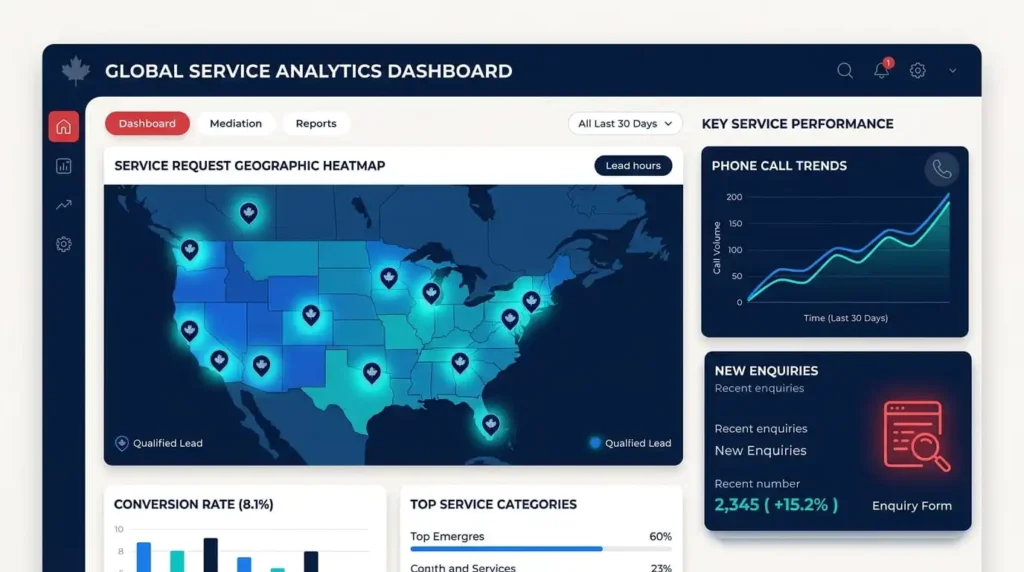
Measure outcomes in layers:
A few setup steps make this data more reliable:
The quality layer is where many businesses find surprises. A rise in calls can come from the wrong area or the wrong job type. Ask every caller how they found you, log the answer and compare it with your tracking. If you can only track one thing, track qualified leads.
For rank checks, use a grid style tool that tests several points across your service area instead of one location, and treat the output as a trend rather than a score. Review your figures monthly, since reporting layouts and available data can change.
Work through this in order, because each step supports the next.
It is the process of improving visibility in Google Maps and local search for businesses that travel to customers. It connects your eligible Business Profile, your service pages and your real service areas, so Google and customers can see what you do and where you work.
Google weighs relevance, distance and prominence. Complete your profile accurately, choose fitting categories, earn genuine reviews and keep your details consistent. Your position will still vary by searcher location, and no one can guarantee a specific ranking.
Yes, if you serve customers at their locations and have a real business base for verification. In that case, Google’s guidelines say to hide the address and list the areas you serve. If customers also visit you there, you may qualify as a hybrid business and can show it. PO boxes and virtual offices are not acceptable.
Yes. You can list up to 20 service areas, generally within about two hours’ driving of your base. Listing an area does not guarantee visibility there, so support it with relevant service content and reviews.
Generally no. A profile needs to represent a real business location, so creating extra profiles for cities where you have no staffed premises can break Google’s guidelines and put your listings at risk. Cover other cities through service areas and your website.
Only where each page has genuinely distinct content, such as local conditions, response times or real job examples. Many nearly identical city pages can be treated as doorway pages, which Google’s spam policies discourage.
Start with the services you offer and the phrases customers use when they call or message you. Add city and neighbourhood terms, check what Google shows for each, and give every keyword group a main page or profile field.
Both help in different ways. Accurate citations support consistency and trust, while genuine reviews influence prominence and help customers choose you. There is no fixed review count that guarantees a ranking, so aim for steady, honest feedback.
Possibly, but CASL may apply. Depending on its content, a review request can count as a commercial electronic message, which generally requires consent, clear sender identification and an unsubscribe option. An in person request or a review link printed on a paper invoice is not an email or text message, but you should still follow Google’s review policies and any applicable privacy requirements. Check your exact process with a lawyer.
It depends on your competition and where you start. Fixing a profile error can have an effect fairly quickly, while building reviews, content and local authority in a competitive Canadian metro often takes several months. Treat any fixed timeline as an estimate.
Track search visibility, profile calls, website clicks, form submissions and qualified leads. Separate ranking movement from real business outcomes, since a better position that brings the wrong enquiries does not help your business.


Comments are closed