


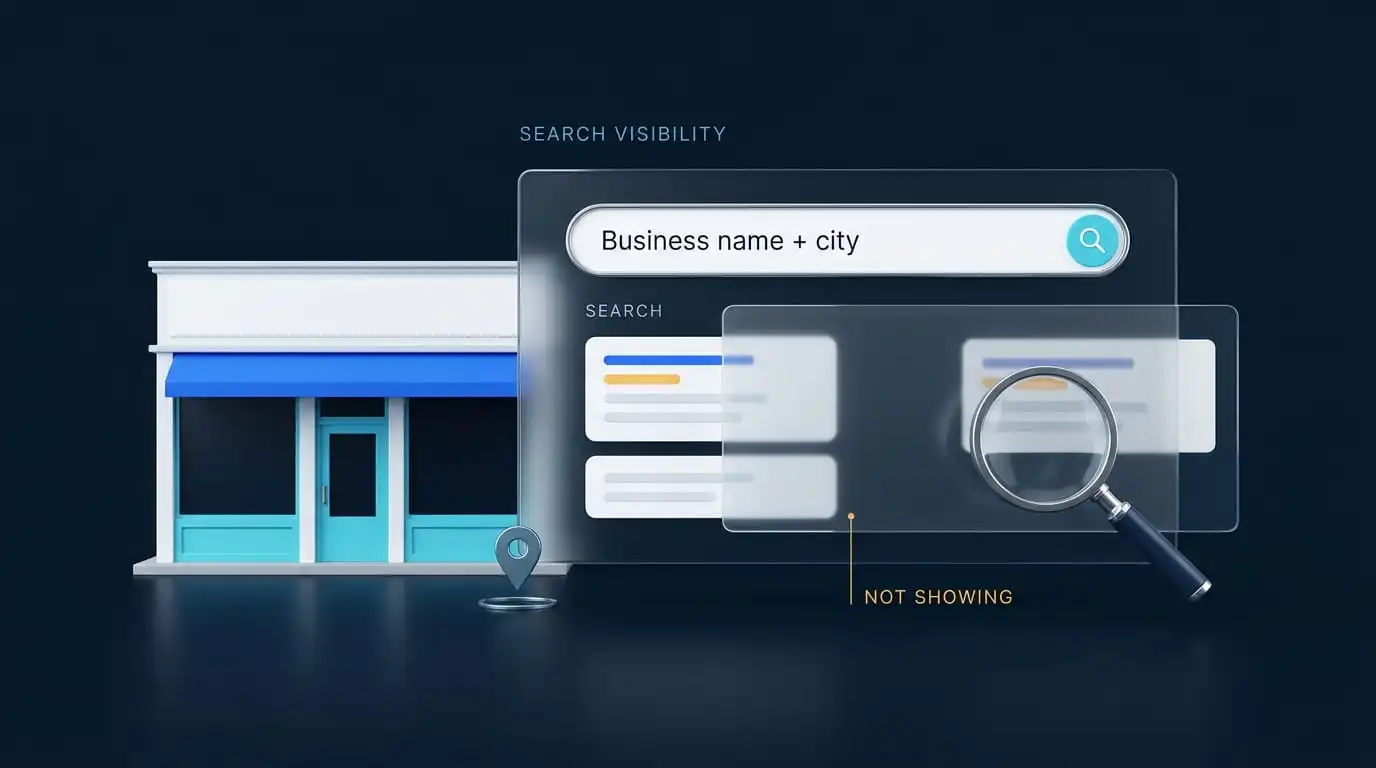
If your Google Business Profile is not showing on Google, several issues could be responsible: incomplete verification, a pending change, suspension, a duplicate listing, an eligibility problem, incorrect address or service area settings, inaccurate profile information, or weak visibility for the search you tried. Start by searching your exact business name and city while signed in to the Google Account that manages the profile. What you see (or don’t) tells you which problem you have.
Owners often call this “Google My Business not showing up,” because that was the product’s old name. The troubleshooting is the same. What matters most is separating three situations that look alike from the outside: a profile that is missing, a profile that is hidden, and a profile that is visible but buried. Each needs a different fix.
Confirm what is really happening before you edit anything. Changing a healthy profile in a panic can trigger new reviews or re-verification and turn a small problem into a bigger one.
Search your exact business name plus your city on Google Search, then repeat the search in Google Maps. If it appears in Maps but not Search, or in Search but not Maps, it is visible on at least one Google surface. Compare the exact search query and location before deciding whether the issue is ranking or visibility.
Google’s help documentation notes that you must be signed in to the Google Account linked to the profile to find it in the owner view. If you manage it through a different email, you may see nothing at all, so check every account you use. An unverified profile typically shows a Get verified button or a note that it is not publicly visible.
| What you see | Most likely cause | First action |
|---|---|---|
| “Get verified” in the dashboard | Profile is not verified | Finish the verification method Google offers |
| A suspension or disabled notice | Guideline violation or account restriction | Read the notice, fix the issue, then appeal |
| Profile does not appear publicly anywhere | Possible duplicate, eligibility problem, or profile restriction | Check dashboard notices and search for another profile at the same address or phone number. |
| Edits show as pending | Update still under review | Wait before editing again |
| Street address is missing | Service area setup (may be intentional) | Check how address visibility is configured |
| Appears for your name but not for “plumber near me” | Local ranking, not a broken listing | Look at relevance, distance and prominence |
Google states that only verified businesses can show their business information on Search and Maps, and its guidance on finding your business on Google says the same. Google decides which verification methods you get (phone or text, email, video recording, live video call, or postcard) based on your business type, region and other signals, and you cannot change them.
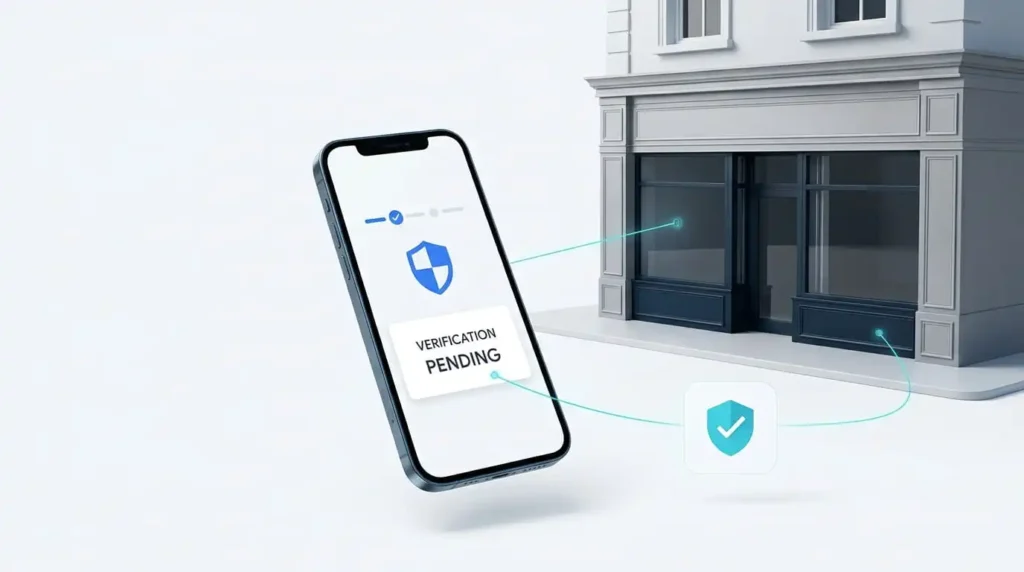
Video recording is where many owners stall. Google requires a live, unedited, unique recording with no breaks, at least 30 seconds long, recorded and uploaded from a mobile device through the Business Profile. What you need to show depends on your business type. Storefront and hybrid businesses must demonstrate their location, permanent business signage displaying the profile name, and proof that they manage the premises. Service area businesses should show where they operate, the tools or equipment they use, and proof that they manage the business. Google says video review can take up to 5 business days. If Google rejects your video, select Review issues in your Business Profile to see what was missing before recording another one.
Moving matters too. If you changed your address, Google may ask you to verify again at the new location, and a profile can keep surfacing at the old one until you do. If verification keeps failing, a Google Business Profile verification service can walk you through preparing the evidence.
Google publishes three timelines, and they are not interchangeable:
A profile can be approved and still not be reflected in Search, and neither guarantees ranking. Repeated edits during this period add noise without speeding anything up. Also check your notifications for rejected edits, since a rejected change leaves the old information live while you assume the new version is public.
A suspended or disabled profile does not show publicly until the issue is resolved. Google notifies you in the Google Account that manages the profile, so check the dashboard, inbox and spam folder. Common triggers include keywords added to the business name, a P.O. box or virtual office listed as a location, and other misrepresentation of the business.
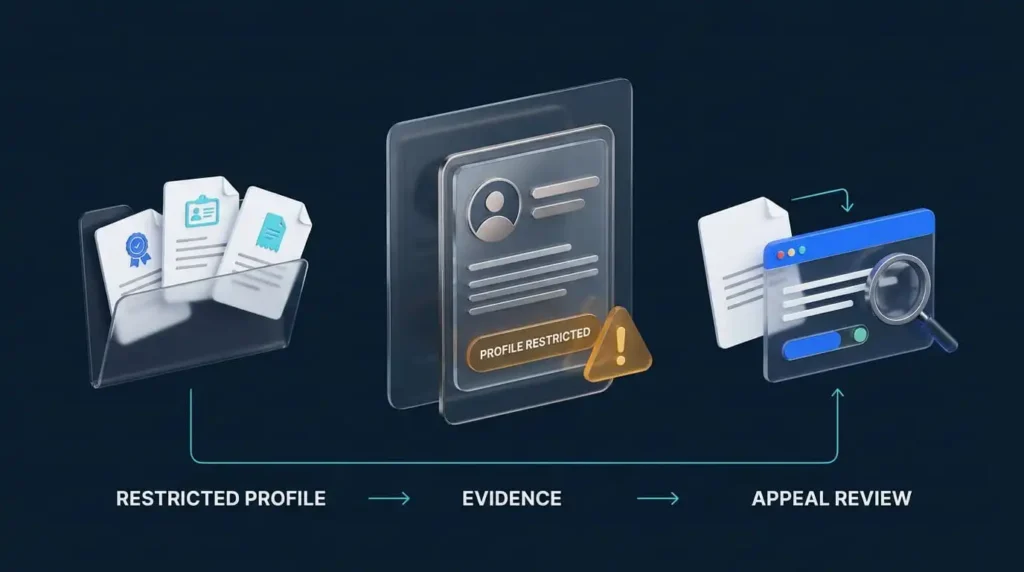
An account restriction is different from a profile suspension. If the managing Google Account is restricted, the profiles it manages are suspended too, and you may not be able to create or claim other profiles.
Fix the violation first, then submit an appeal through Google’s appeals tool. If you plan to include supporting evidence, prepare your documents before submitting the appeal. After submission, Google gives you 60 minutes to add supporting documents through the linked evidence form. Useful documents include official business registration, a business license, tax certificates, or utility bills. Make sure the business name and address on these documents match the profile you are appealing. Google says appeal reviews can take up to 5 business days. Do not create a second profile for the same business while the appeal is pending. If you would rather not handle the appeal alone, our Google Business Profile reinstatement service can help with diagnosis and the appeal process.
Google does not allow multiple profiles for the same business at the same location. Businesses with separate eligible locations can have separate profiles, and distinct eligible businesses at the same address may each qualify if they meet Google’s guidelines. Its documentation says a profile considered a duplicate won’t show on Google Search or Maps, and that profiles get marked this way when a profile is already verified for the same business. This often happens when a former employee or an earlier marketing company created a profile years ago.
Search Google Maps for your business name, phone number and street address. If you find an older profile, request access to it. If you believe yours was wrongly marked as a duplicate, Google provides a way to report that. A shared address alone does not make two profiles duplicates, for example two separate businesses in one building.
Google’s guidelines are built around real businesses that deal with customers in person, either at a location or at the customer’s address. Online only businesses, virtual offices and mailbox addresses generally do not qualify. This is the cause owners most often overlook, because they assume the profile is fine and Google is at fault.
If your business really does visit customers or serve them at a physical location, the issue is setup, not eligibility. That leads to the next cause.
A missing street address is not always a problem. Google’s guidance is that if you do not serve customers at your business address, you should hide it. Showing a service area instead of a street address is the correct display for those businesses.
Problems start when the address format does not match what Google expects, the pin sits on the wrong building, or a storefront business has hidden its address by mistake. Confirm your business type (storefront, service area or hybrid) matches how you actually operate.
Moves can leave the profile stuck. In a public Business Profile Help thread, a mobile service business that relocated states kept getting calls from its old state, and its profile would not surface at the new one even though Google support said nothing was wrong. A Product Expert advised re-verifying at the new location and filing a support request that the profile displays at the wrong address. If this is you, use that wording.
Information that looks inconsistent can limit a profile. Check for these:
Search your business name and read the panel closely. If something is wrong, correct it from your dashboard and then leave it alone while Google processes the change.
This is the most common situation, and the one most often mistaken for a missing profile. A verified, public profile can still be absent from “electrician near me” because Google ranks local results mainly on three factors:
That is why a profile can appear when you search from your office and vanish when someone searches from across town. Fixing it means choosing the most accurate primary category, keeping your name, address and phone number consistent with your website, earning genuine reviews and responding to them, and keeping information current. This is a slow process. If you want help, see our Google Business Profile optimization service or our local SEO for Google Maps ranking page.
Maps and Search apply different ranking behavior, and results vary by query and location. A profile can appear in Maps for your business name and still not surface in the Search local results for a broad query. The cause is usually relevance and location, not a technical fault.
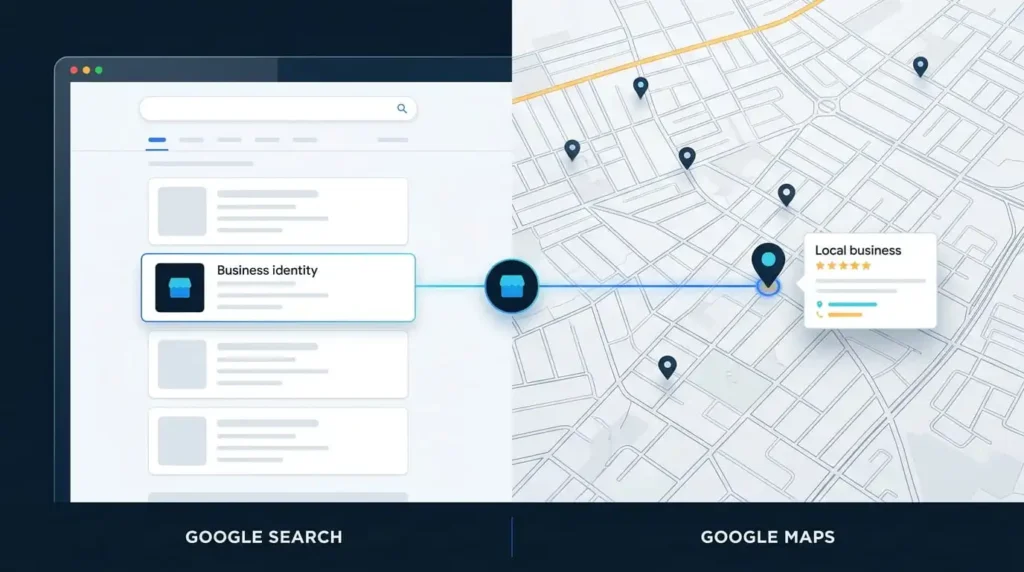
Run three searches: your business name plus city, your main service plus city, and your main service with “near me” from a location close to you. If only the first works, you have a ranking issue, not a visibility bug. If your profile disappears from Search while staying in Maps and nothing above explains it, take it to the Business Profile Help Community. Product Experts there can escalate cases to Google, though they are volunteers, not Google employees.
Work in this order. Skipping ahead is how owners re-verify a profile that only needed time.
Three habits make things worse: editing your name, category and address repeatedly in a short span; creating a new profile while the original is suspended; and judging visibility only from your own signed in device.
If you work through these steps and still cannot identify the cause, a Google Business Profile audit is the quickest way to find it, or you can contact us directly.
The usual causes are an unverified profile, a suspension, a duplicate, pending edits, an eligibility problem, a setup error, or a profile that is live but not ranking. Search your business name and city first. If it appears, the issue is ranking. If it does not, check verification status and notifications.
It depends on the process. New business rankings can take up to a month, edits can take up to 3 days to appear in Search, and reviews of profile edits usually take about 10 minutes but can take up to 30 days.
Verification makes a profile eligible to show business information, but it does not guarantee visibility. A suspension, an account restriction, a duplicate flag, or weak ranking for your search can still keep it out of view. Work through causes 3, 4 and 8 above.
Check for a suspension notice, a rejected edit, a duplicate marking, or an ownership change on the managing account. Also confirm you are signed in to the correct Google Account.
If you serve customers at their location, hiding the address is correct and expected. Otherwise, check the address format, the map pin and your business type. If you recently moved, you may need to verify again.
Verify the profile, confirm your business is eligible, keep your name, address, phone number and category accurate, and build reviews and web presence over time.
Read the suspension notice, fix the violation, then submit an appeal through Google’s appeals tool with documents that match your profile’s name and address. Do not create a new profile for the same business while the appeal is pending.



Comments are closed